
We’ll help you find the right part
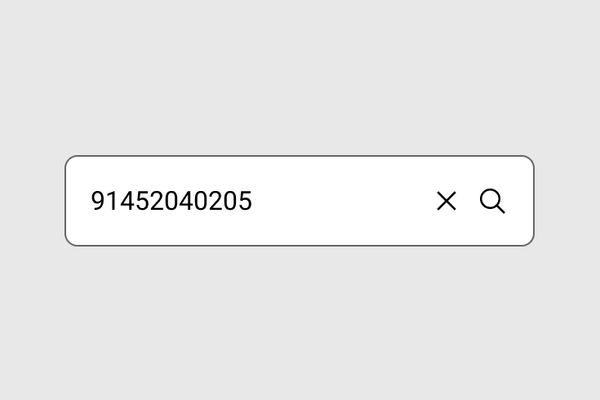
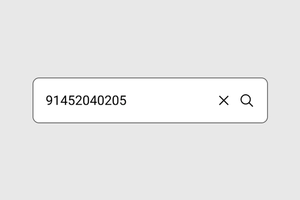
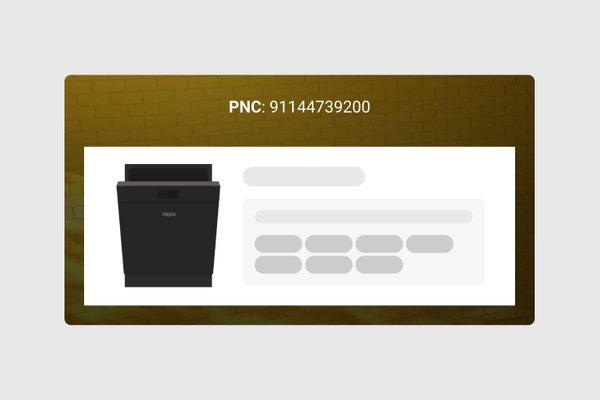
Enter your Product Number Code (PNC) to identify your appliance and see compatible spare parts
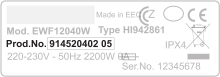
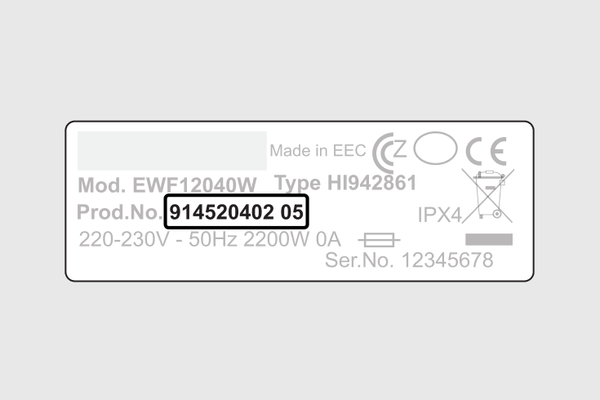
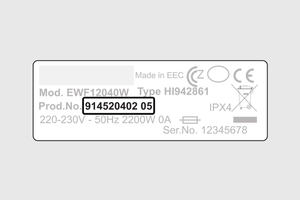
How do I find my pnc number?
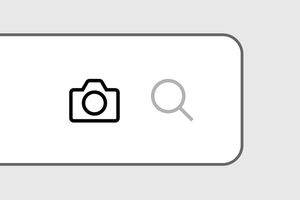
How to take a photo of my serial plate?
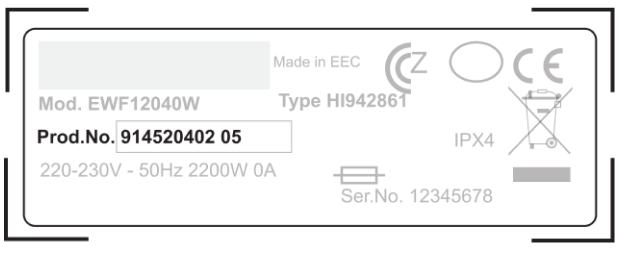
Make sure to capture the entire rating plate in a straight angle
Concerning the lamp(s) inside this product and spare part lamps sold separately: These lamps are intended to withstand extreme physical conditions in household appliances, such as temperature, vibration, humidity, or are intended to signal information about the operational status of the appliance. They are not intended to be used in other applications and are not suitable for household room illumination.
How to find your spare part
Finding the right spare part takes 2 steps. You’ll need your Product Number Code (PNC), the identifier for your appliance.
Follow the guide below: find your PNC, choose the right part, and register your appliance for easy access to compatible parts in the future.
Step 1
Step 1
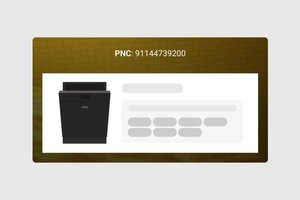
Find your Product Number Code (PNC)
Start with your PNC – the quickest way to find the right parts.
Step 2
Step 2
Find your spare part
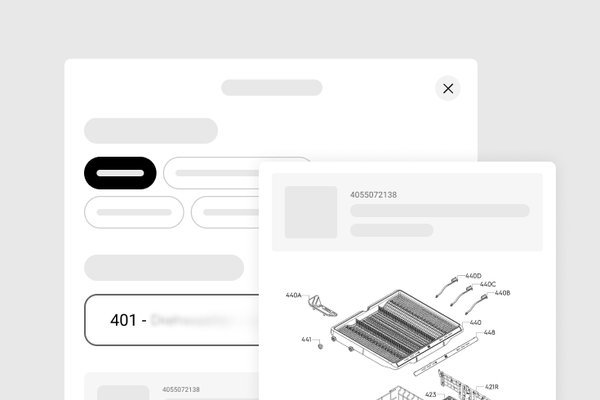
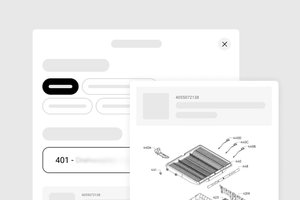
With your PNC entered, browse compatible parts and find what you’re after in two ways: use filters or the visual Part Finder.
Step 3

Step 3
Register your appliance
Create an account and register your appliance once. Next time, open My products to go straight to compatible parts.